
LPT Pic Edit does one job and does it properly: it turns an ordinary photo of a car into the hero image the Lazy Pro Trip dashboard was designed for — cut out from its background, lit with a glow, and exported at exactly 1560 × 720. That is the 13 : 6 frame Lazy Pro Trip expects, so the picture drops in without cropping and without guessing about margins.
No account · Everything runs on the phone
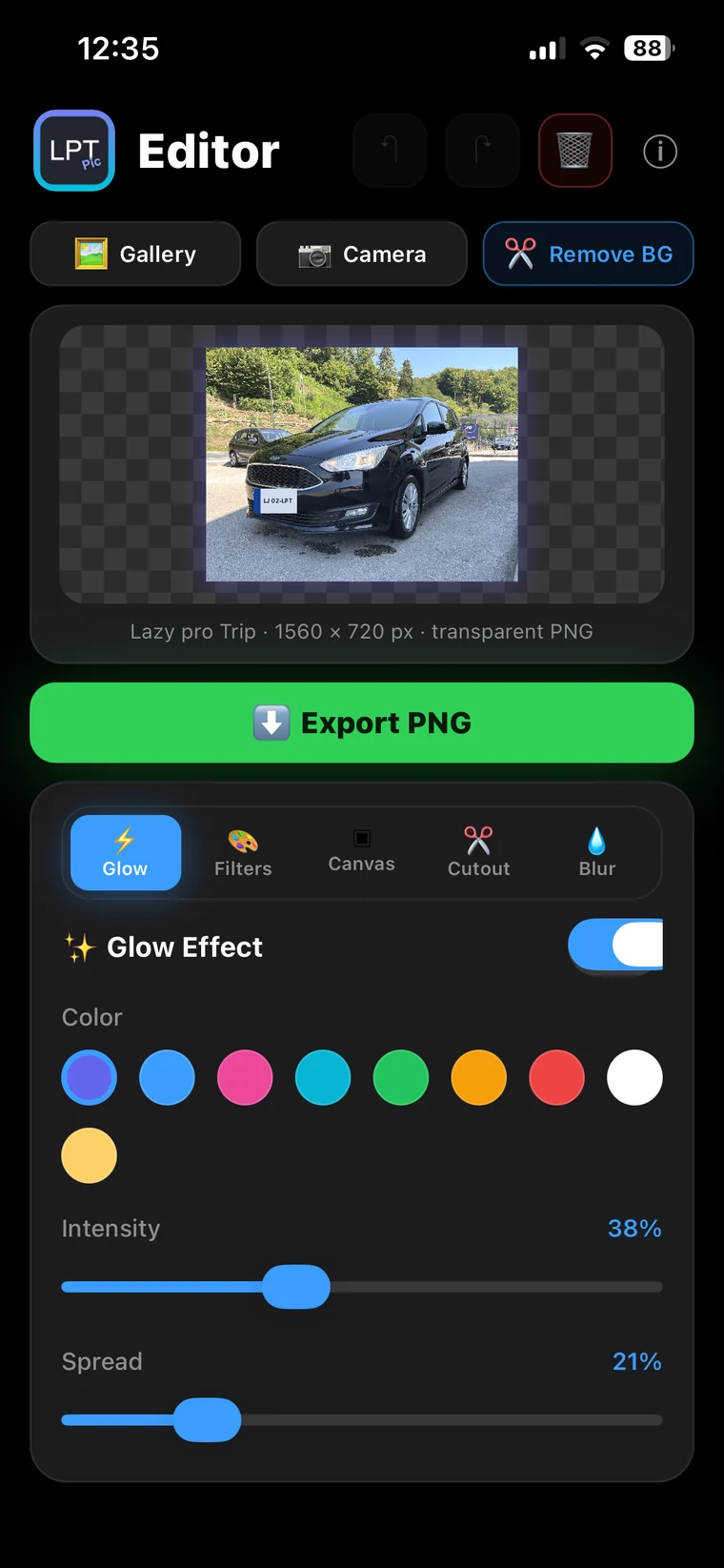
Before
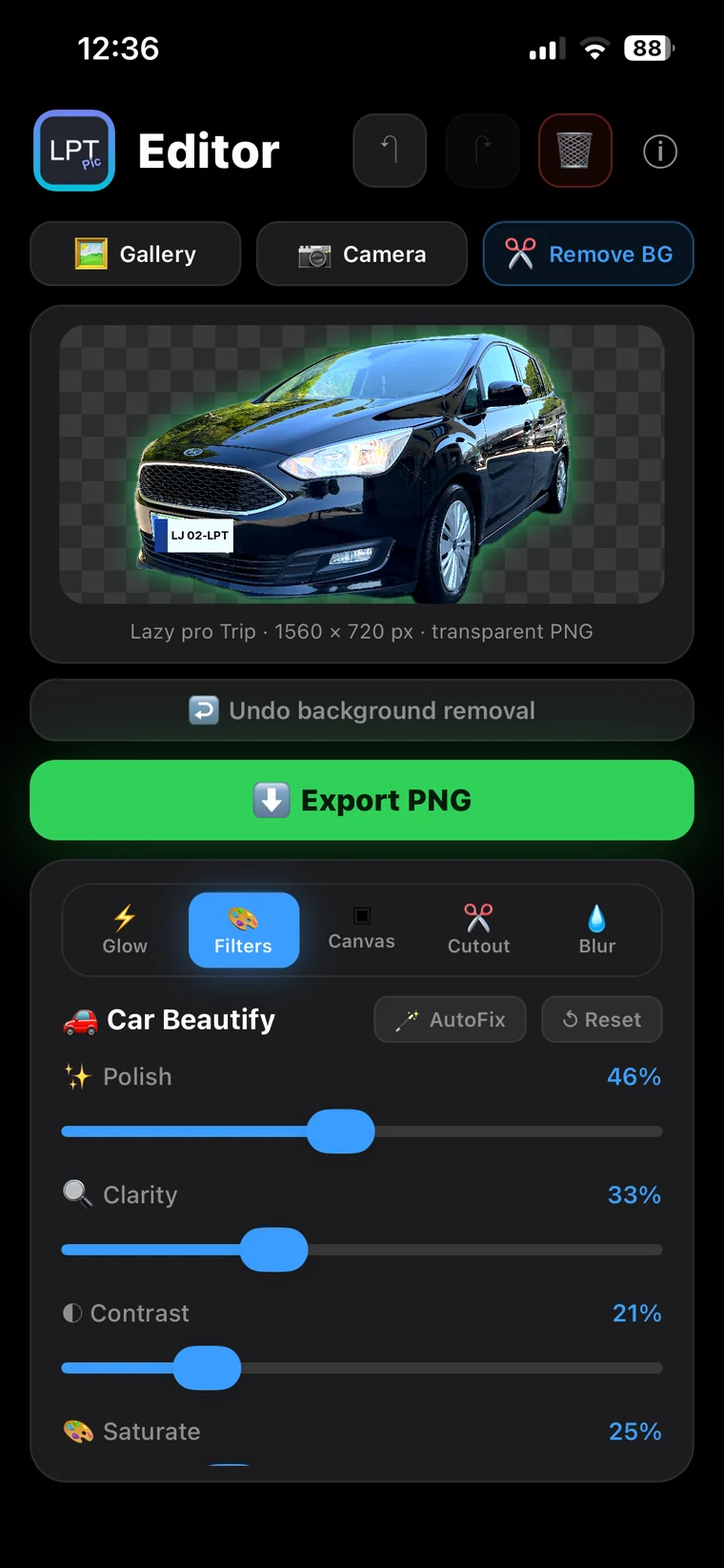
After
No layers, no masking, nothing to learn.
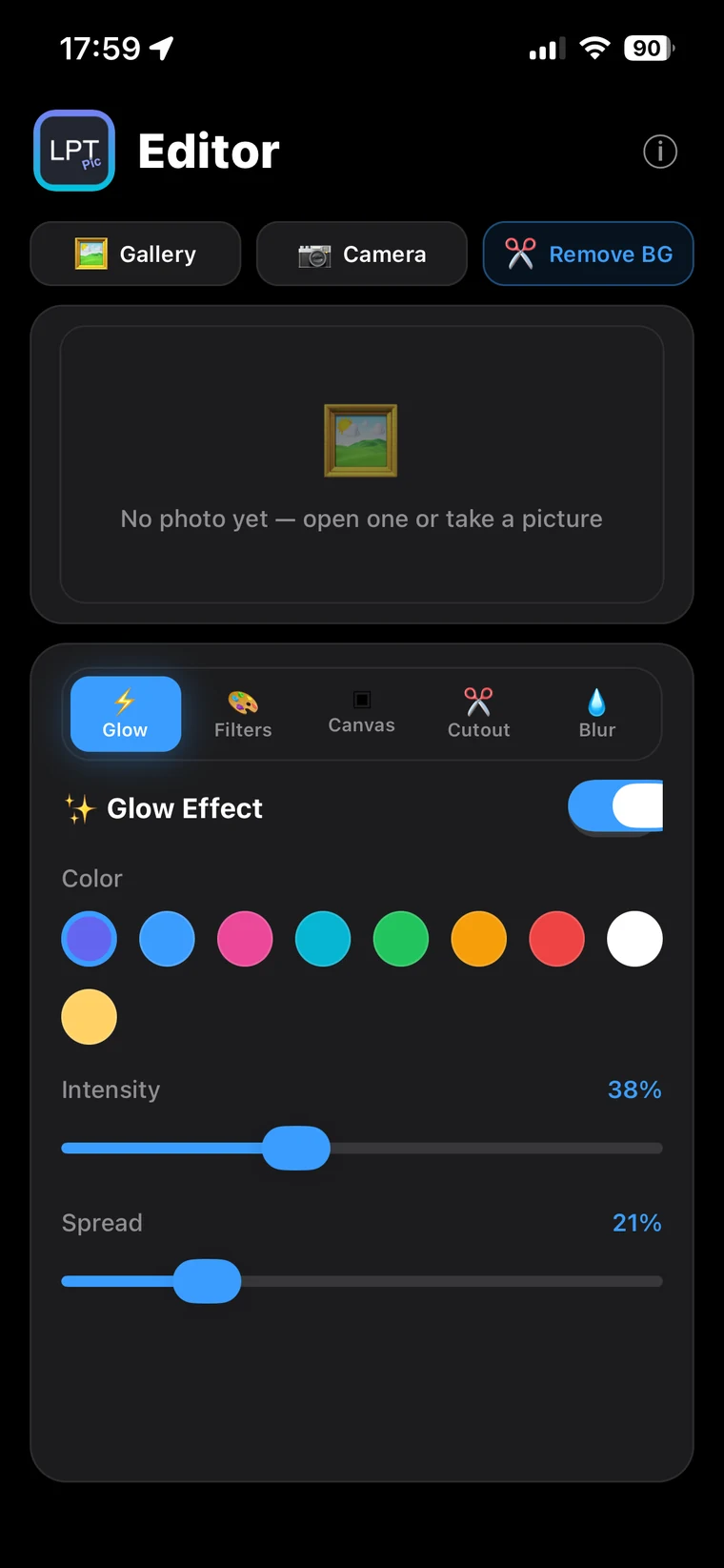
From the library or straight from the camera. Keep the whole car in the frame — the app takes care of the rest.
Remove the background in one tap, then tap any individual objects you want to keep. The glow follows the outline of the car.
A PNG is written to your gallery in the 13 : 6 frame. With a transparent background, the transparency survives the import into Lazy Pro Trip.
Subject detection runs through Apple's Vision framework, on the device. The glow does not trace the picture frame — it traces the outline of the car itself.
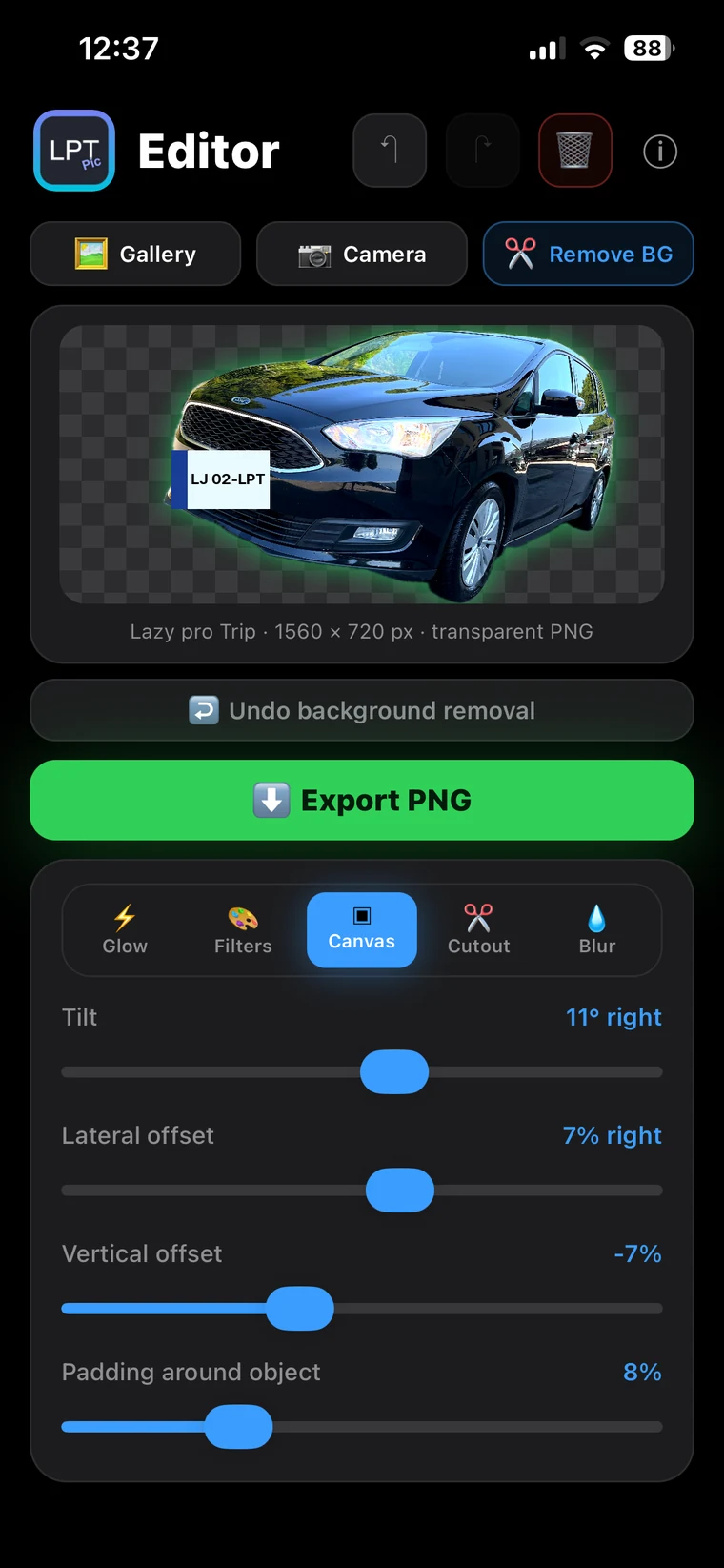
A photo of a car is nearly always narrower than 13 : 6, which is why the Fill button matters more here than all the filters together — without it the whole picture would occupy barely half the width.
A round soft brush blurs a number plate or a face in the background. The stroke sticks to the object, so zoom, tilt and canvas changes do not move the blur.
Everything — subject detection, rendering and export — runs on the device. No account, no server, no upload.
A business mileage log: you confirm the start, the app records the route, the stops and the distance. The picture you make here ends up on its dashboard.
The app is at version 1.2.1 and is being used in the field. If you are testing Lazy Pro Trip you get Pic Edit alongside it — just say so when you sign up.
Join the betaThe beta currently runs on iPhone only, through Apple's TestFlight.
The Android version is in its final stage, as with Lazy Pro Trip.