
You decide when a trip begins and ends. Everything between those two taps is recorded for you: the distance, the route on the map, the stops and how long each one lasted. By the time you have to report it, the log is already written.
No account · Your data stays on the device
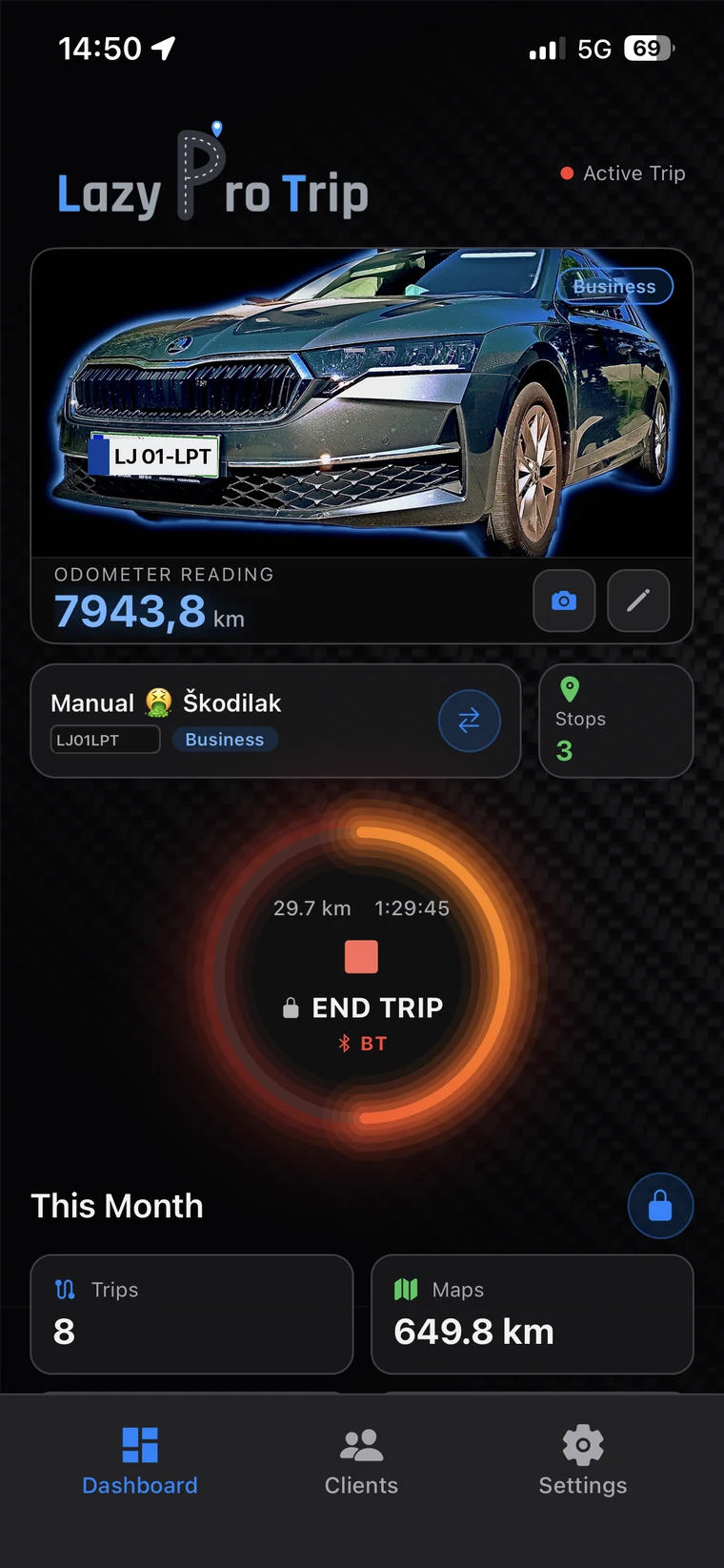
The app does not decide for you. It only decides when to write something down.
When your phone connects over Bluetooth or CarPlay, the app asks whether a trip is beginning. One tap is enough — or a photo of the odometer if you want it exact.
From there nothing is required of you. The route, the distance and the stops are recorded in the background, even with the screen off and the phone in a pocket.
Mark it business or private, add a client and a purpose — or leave that to the automatic export at the end of the period.
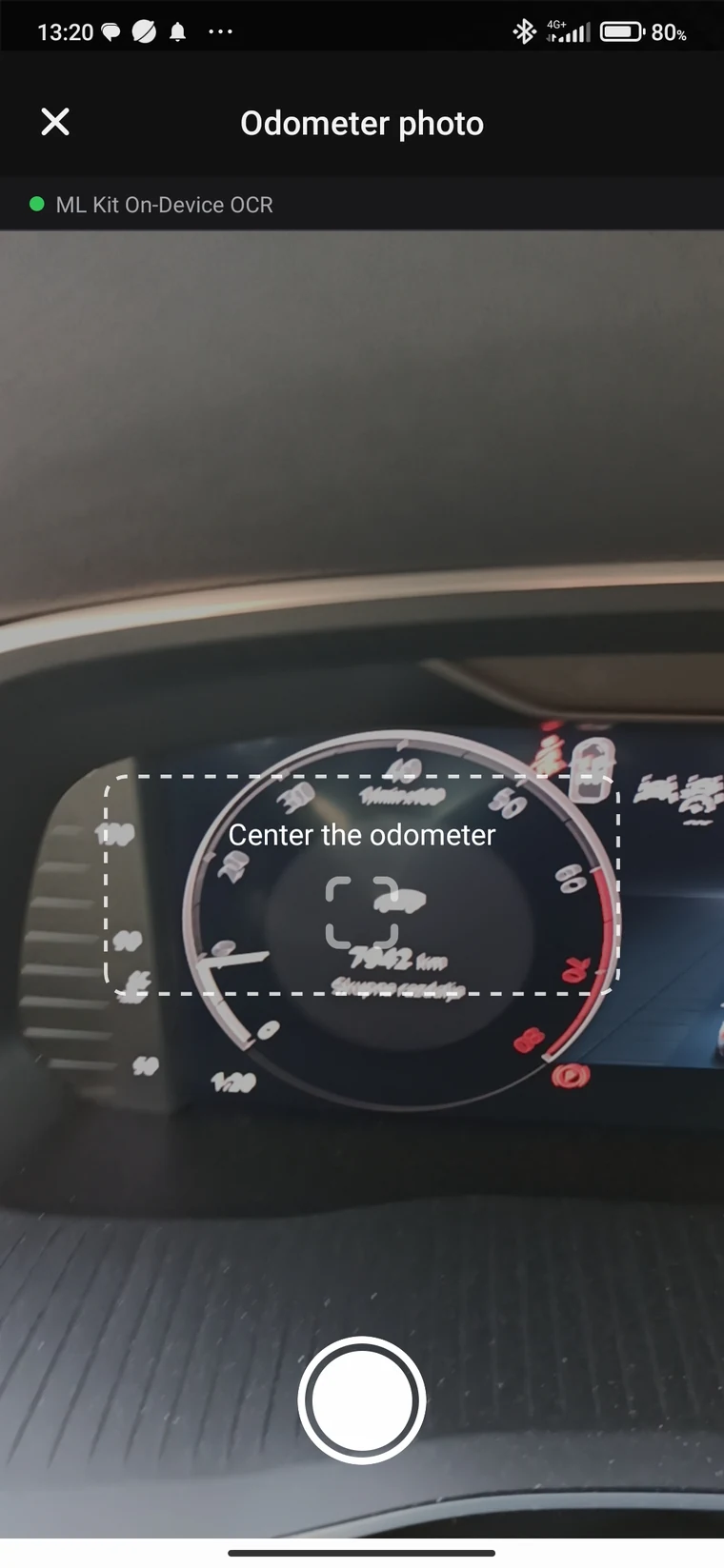
Confirm with the odometer — photographed, not typed
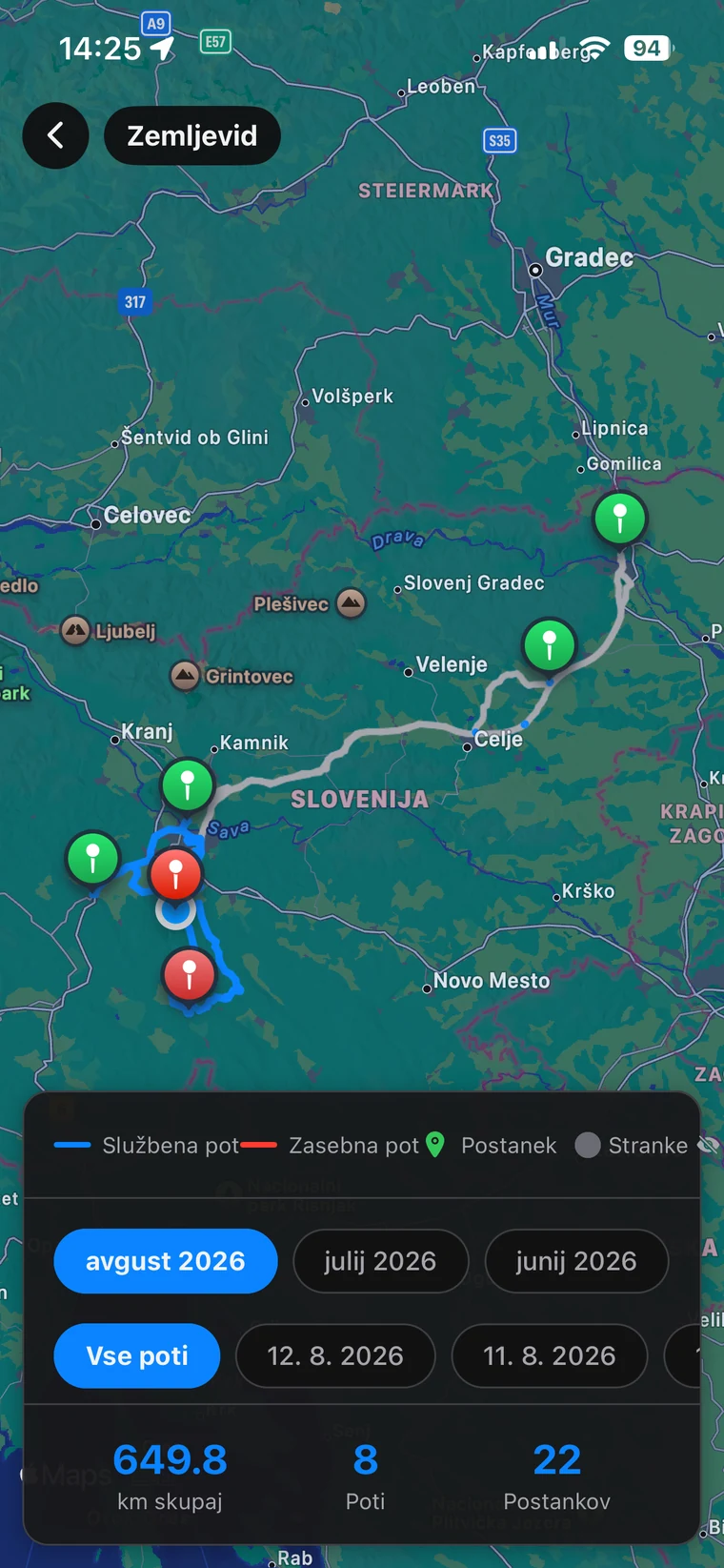
The route, drawn while you drive
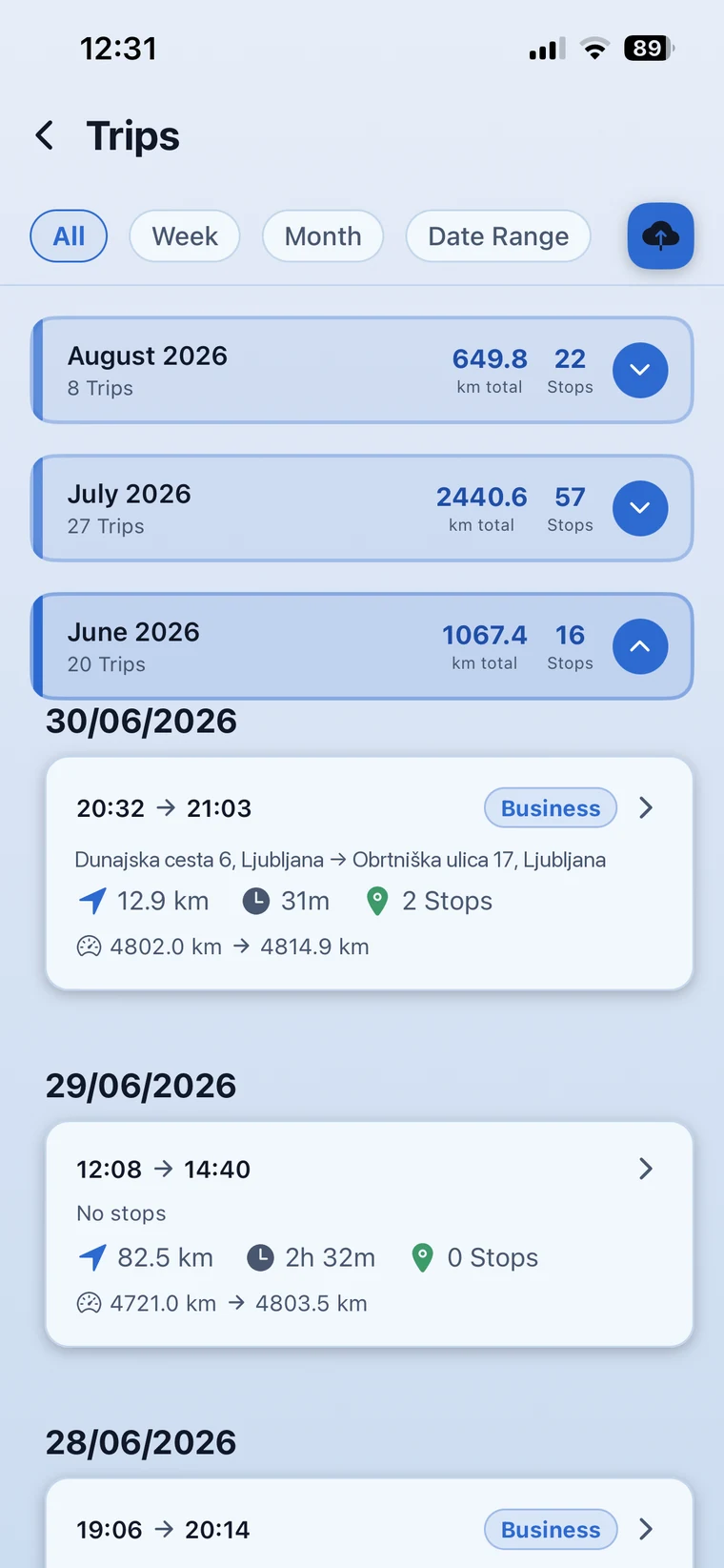
The trip, already written
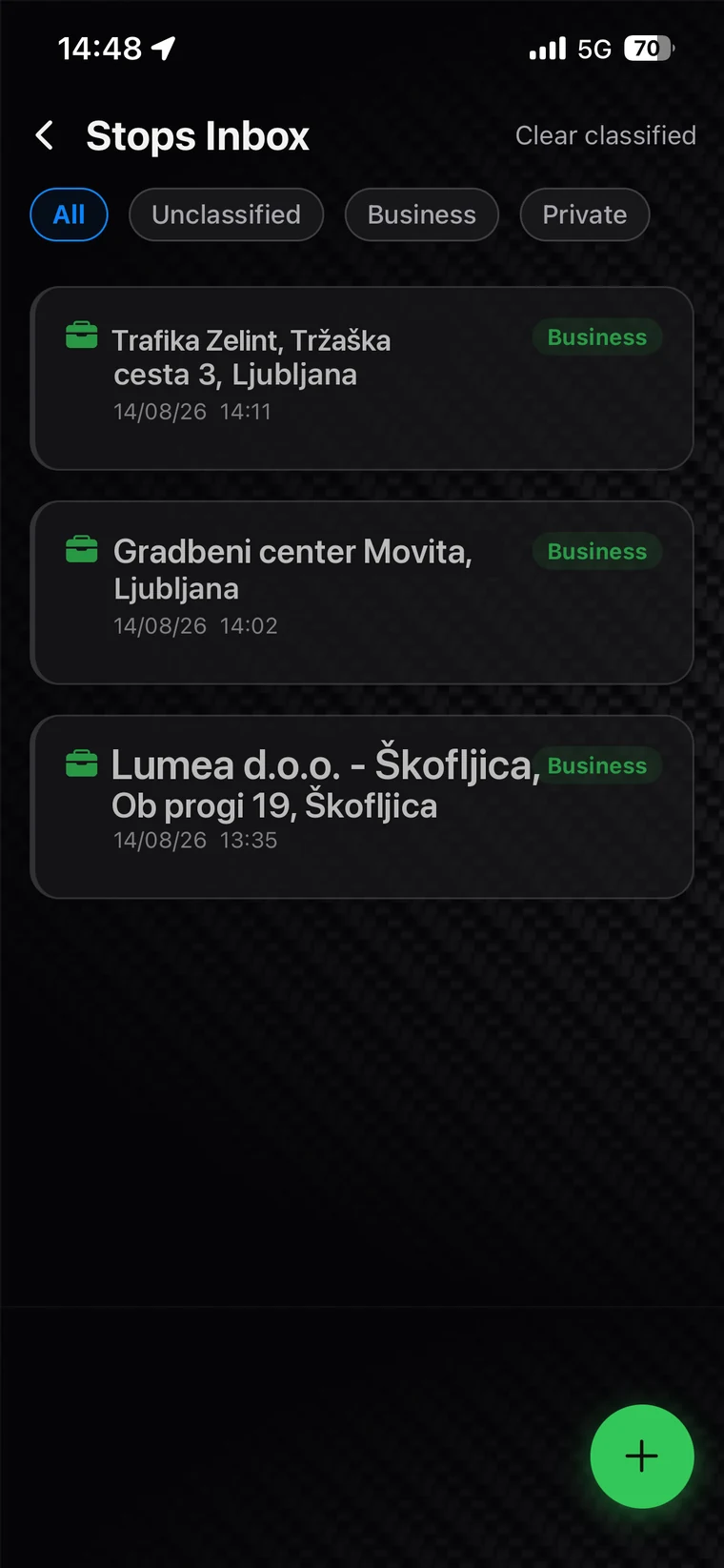
Stops are detected without you touching anything. The app records where you stopped, when, and for how long — then waits for you to say whether it was business or private.
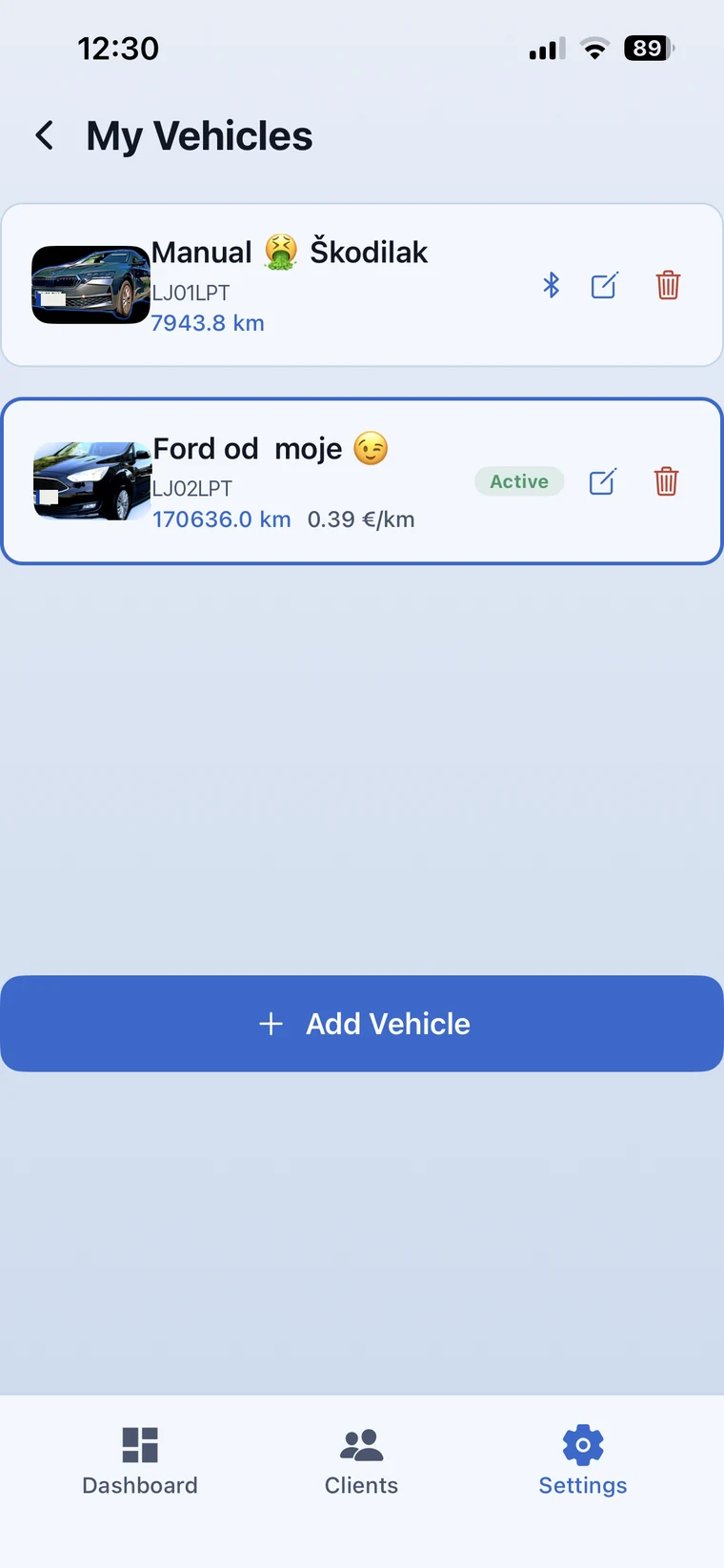
Satellite measurement always cuts corners a little. So you align it to your own car — once, and from then on the numbers agree.
You mark business or private on the stop, not on the whole trip. The trip takes its label from that — business, private or mixed — and what belongs in the claim does not get mixed with what does not.
You can see that it is running — and that is all you need to know while driving.
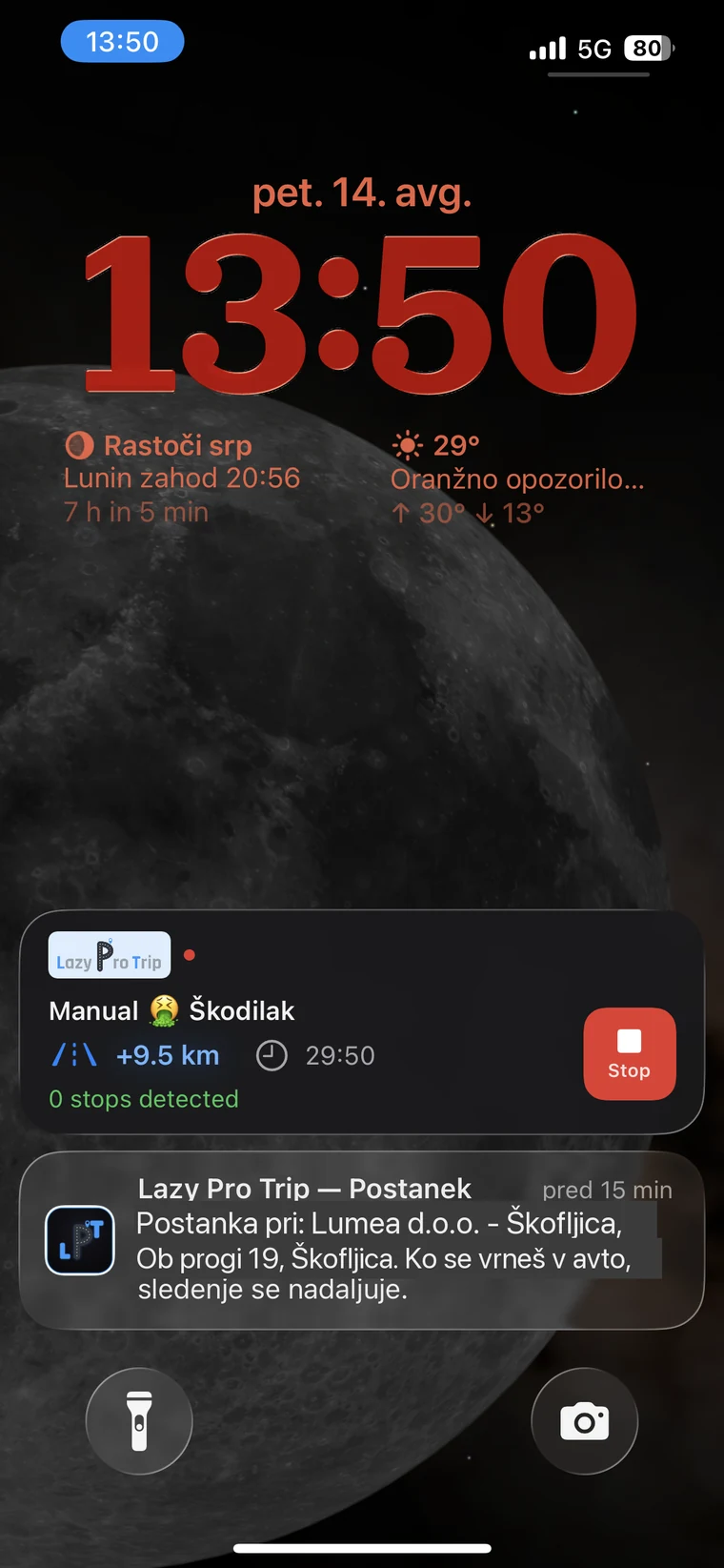
Live Activity on the Lock Screen
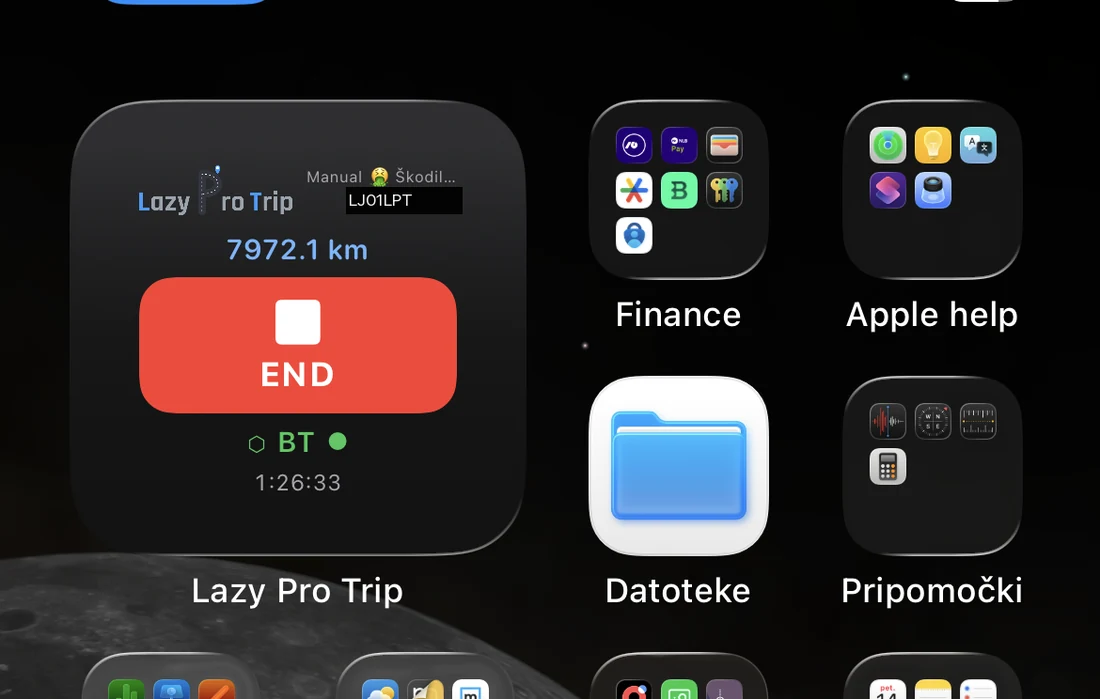
Home Screen widget — start and end without opening the app
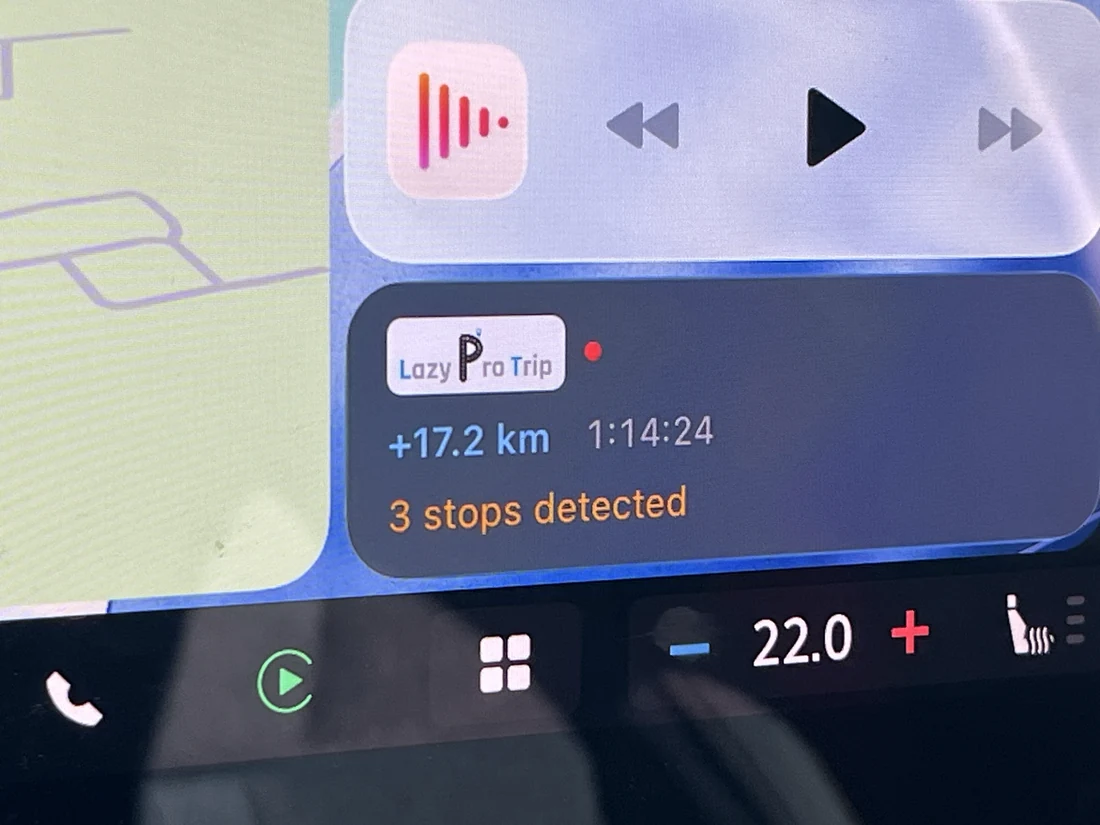
CarPlay — distance, time and stops on the car display
Bluetooth and CarPlay are recognised, so the question arrives the moment you get in. Without a car connection the app works just as well — only the timing around the start and the end is less precise.
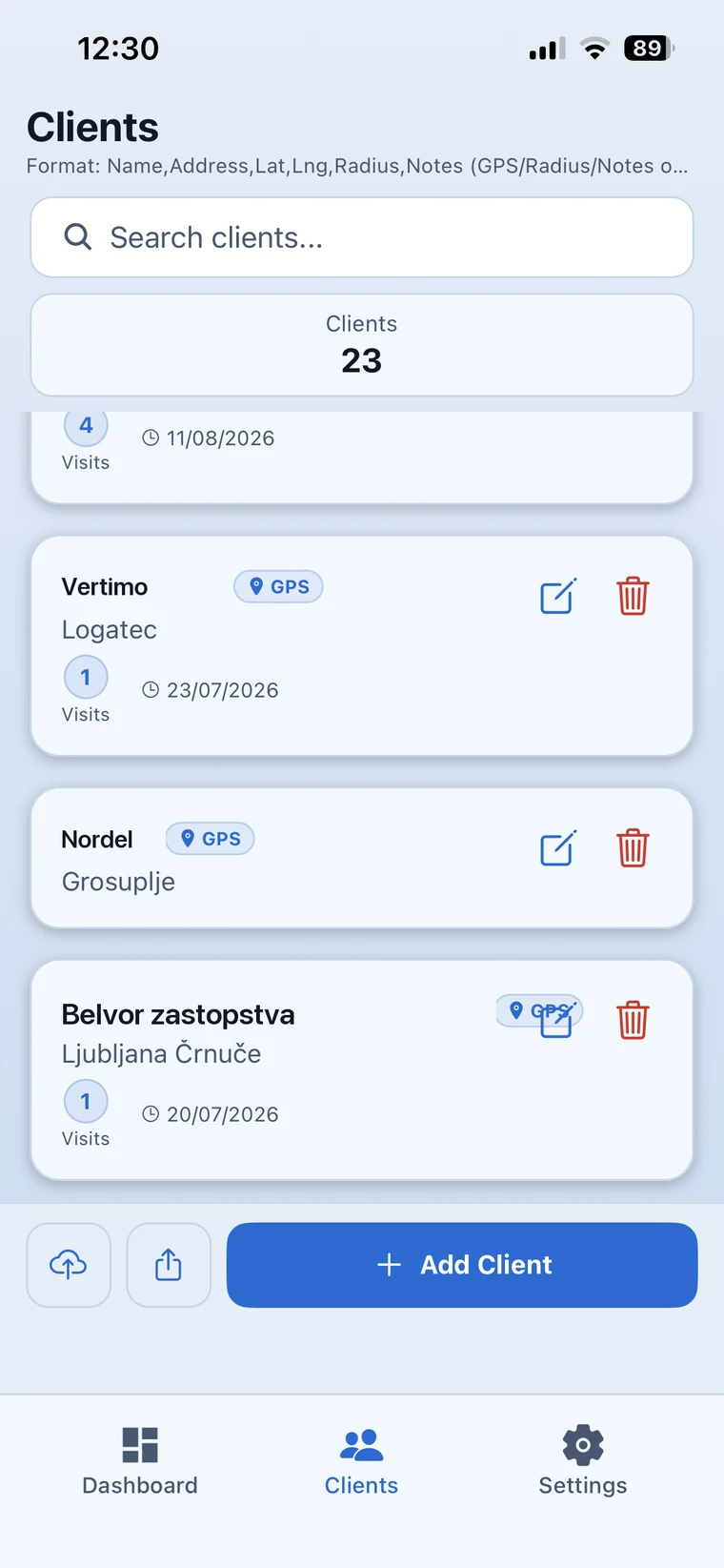
So it leaves in a shape they expect — on a schedule you set once.
91.1 km recorded without a single entry
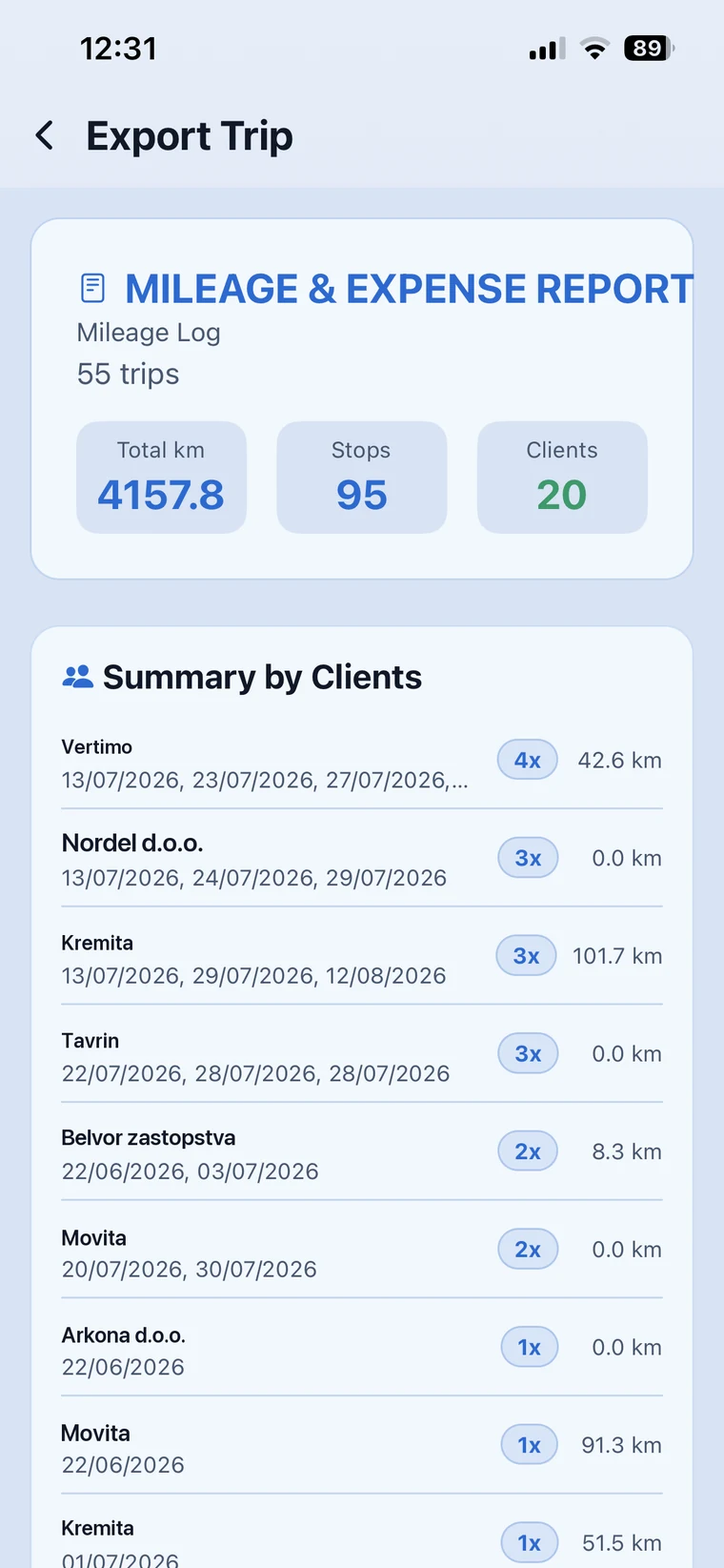
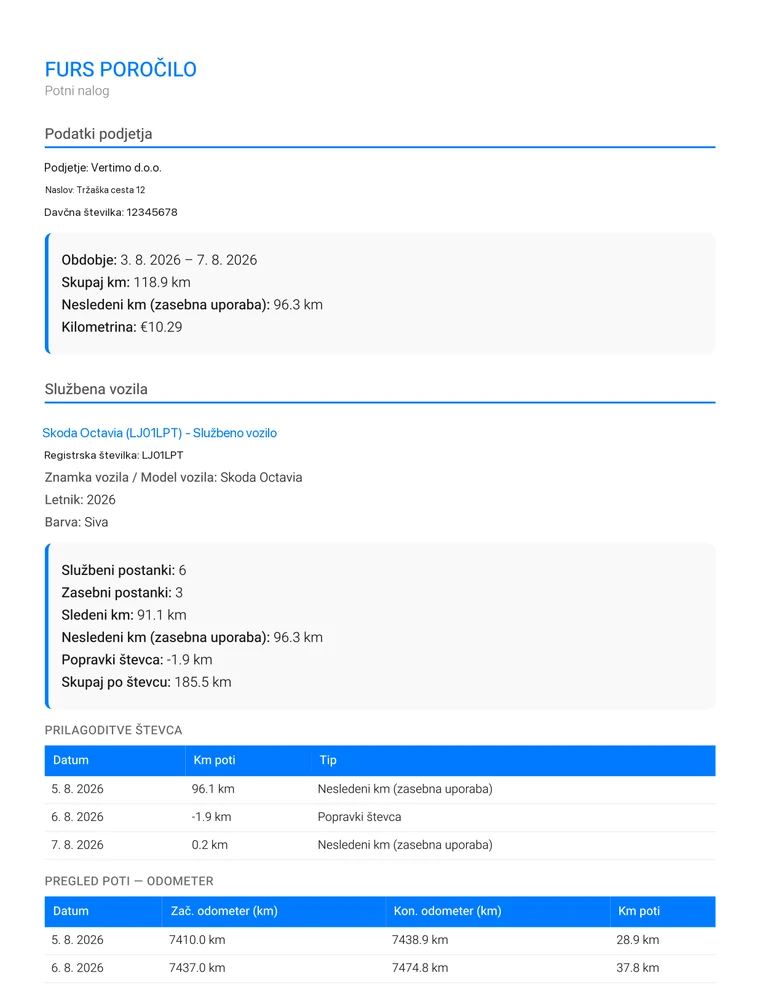
Shown in the Slovenian FURS layout · all details in the sample are fictitious
Two settings you choose once and then stop thinking about.
English, Slovenian, German, Spanish, Croatian, Serbian and Russian — the whole app, from the buttons to the exported report. You can also dictate the purpose of a stop instead of typing it.
Carbon, leather or light. The change applies immediately across the entire app.
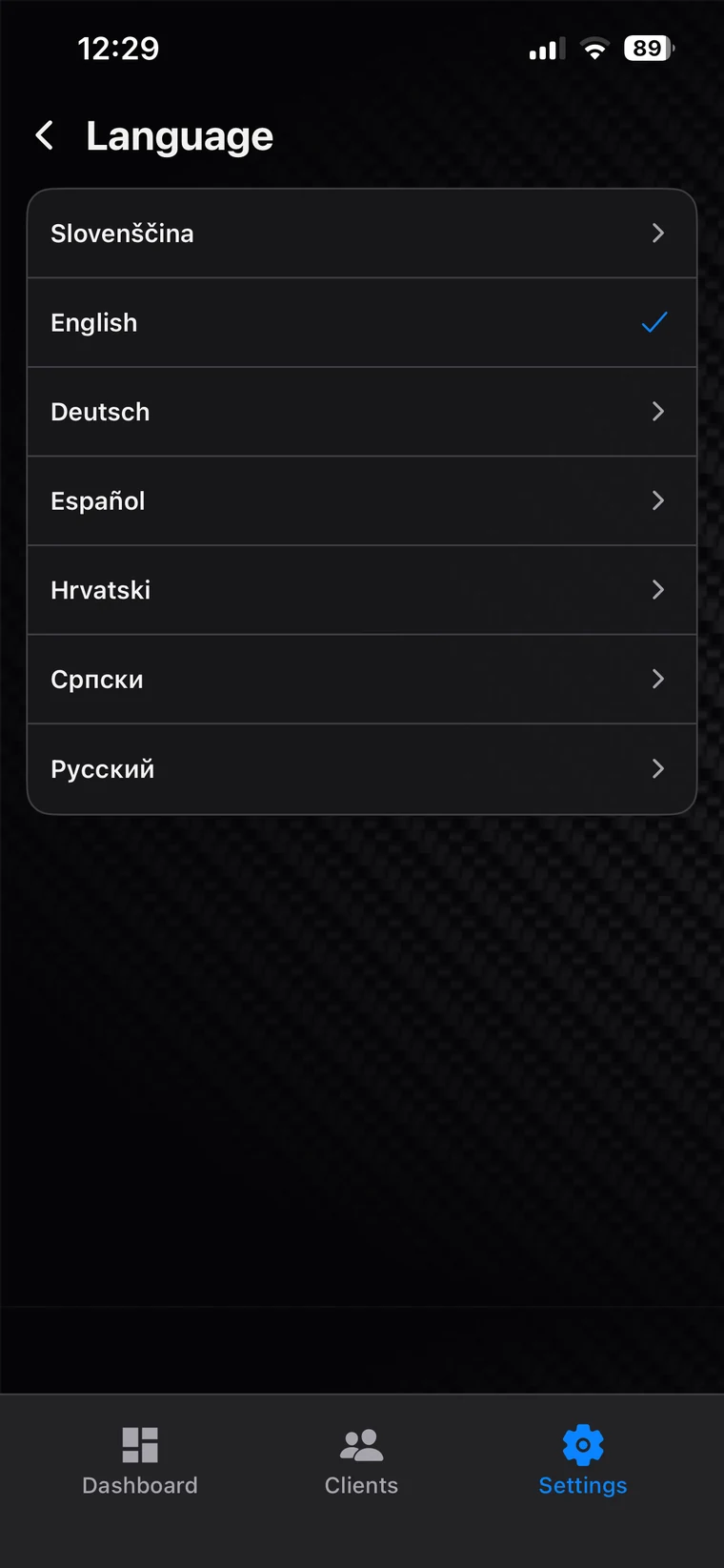
Language
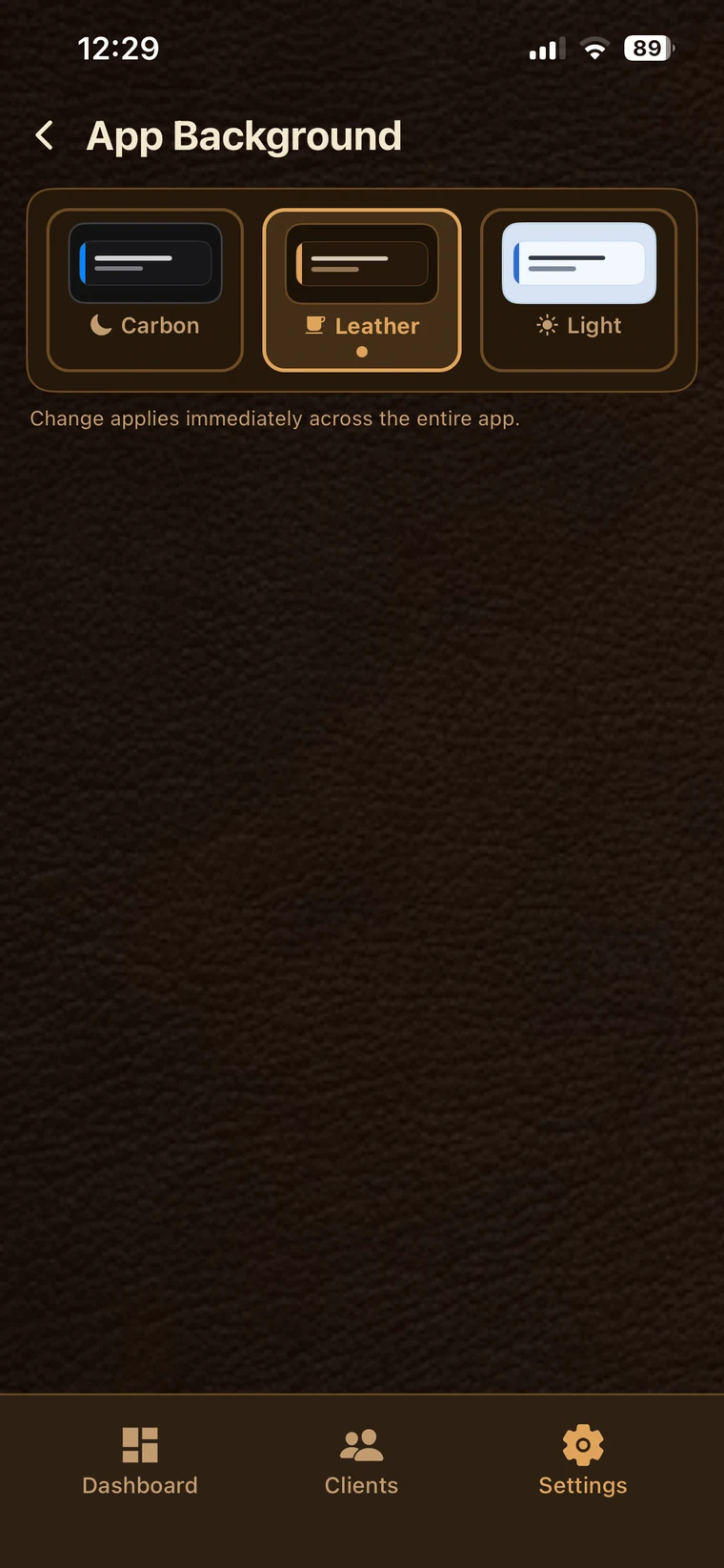
Background
Trips, vehicles and clients are stored on your device. Cloud sync is optional and starts only once you sign in. Without an account, the only things that leave the phone are the coordinates of a stop — sent to turn them into an address — and the requests that draw the map. No ads, no analytics. The detail is in the privacy policy.

Cuts a photo of your car out of its background, lights it with a glow and exports it at exactly the frame Lazy Pro Trip expects for a vehicle picture. No cropping, no guessing about margins.
Lazy Pro Trip is being tested in the field through TestFlight. If you drive for work and the mileage log costs you too much time, join in — what interests us most is whether the measured distance matches your odometer.
Join the betaThe beta currently runs on iPhone only, through Apple's TestFlight. We send an invitation once you sign up.
The Android version is in its final stage. Sign up now and we will let you know the moment testing opens.
On iPhone, the widget and the Live Activity require iOS 26.2. On older versions the app works, but those two surfaces are absent.